Beautify
Reprint one JSON value with a newline per key and two spaces per level. Key order stays as it was written.
Chrome extension
Paste JSON, drop a .json file, then beautify, minify, validate, or open a tree. The same actions ship in the Chrome extension, and this page runs them locally.
Runs in your browser. JSON is not uploaded.
Reprint one JSON value with a newline per key and two spaces per level. Key order stays as it was written.
Remove insignificant whitespace so the payload fits a field or a query string. Strings and key order are unchanged.
Parse without rewriting. A failure names the line and column, and a short excerpt marks that line.
Fold objects and arrays, read child counts, and follow http and https addresses. Search hides branches that do not match.
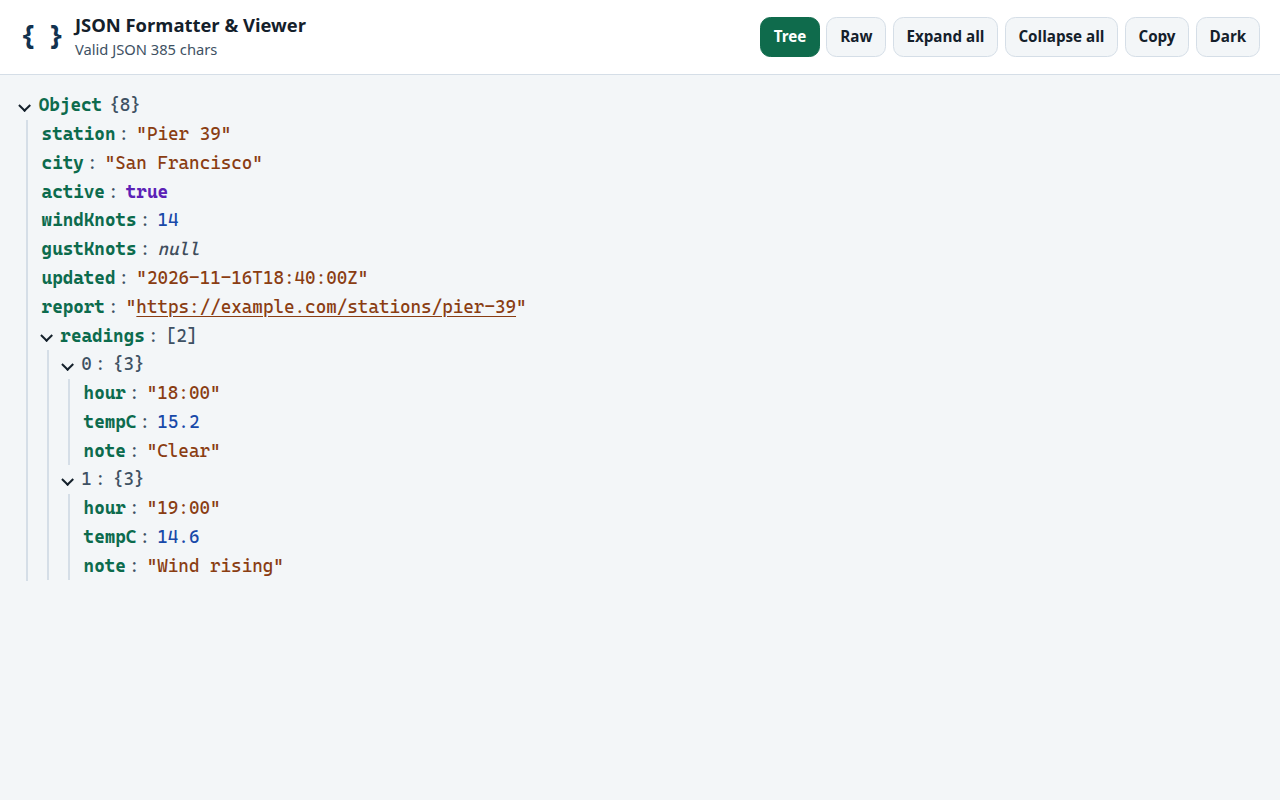
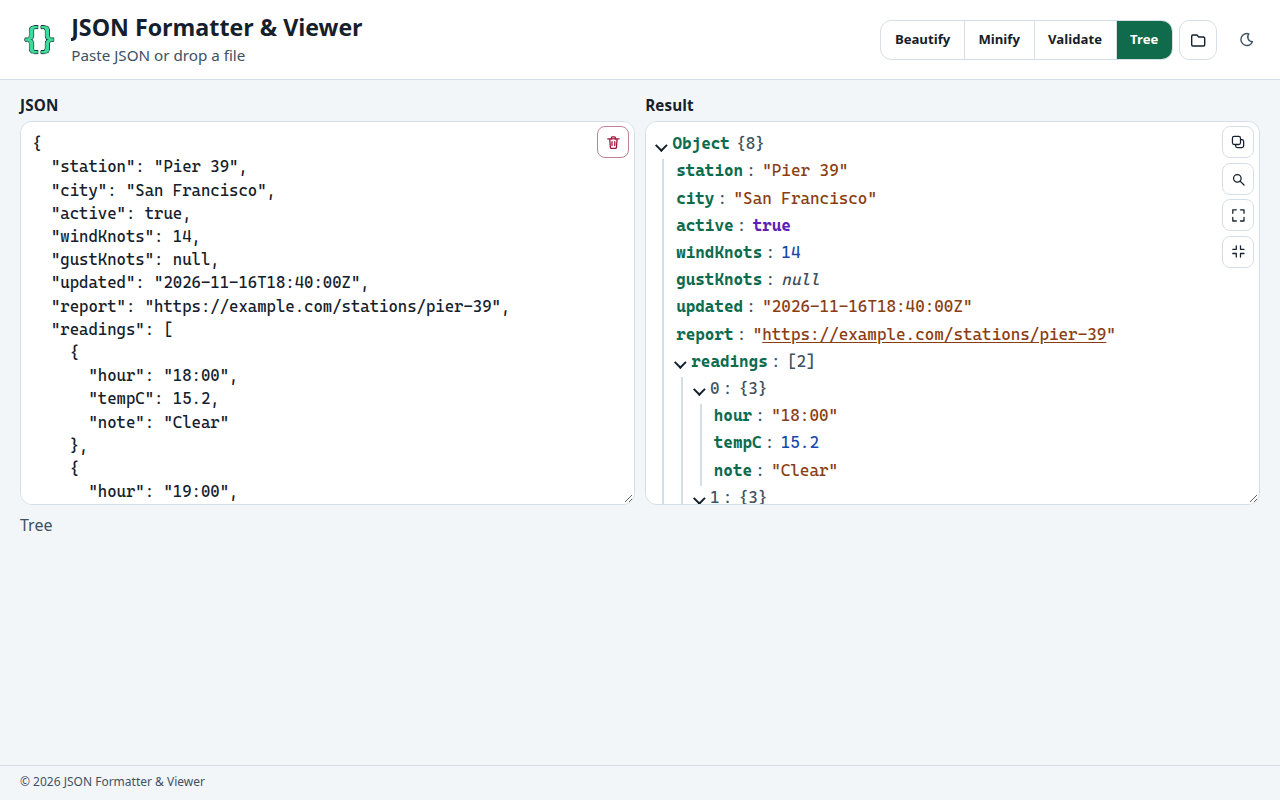
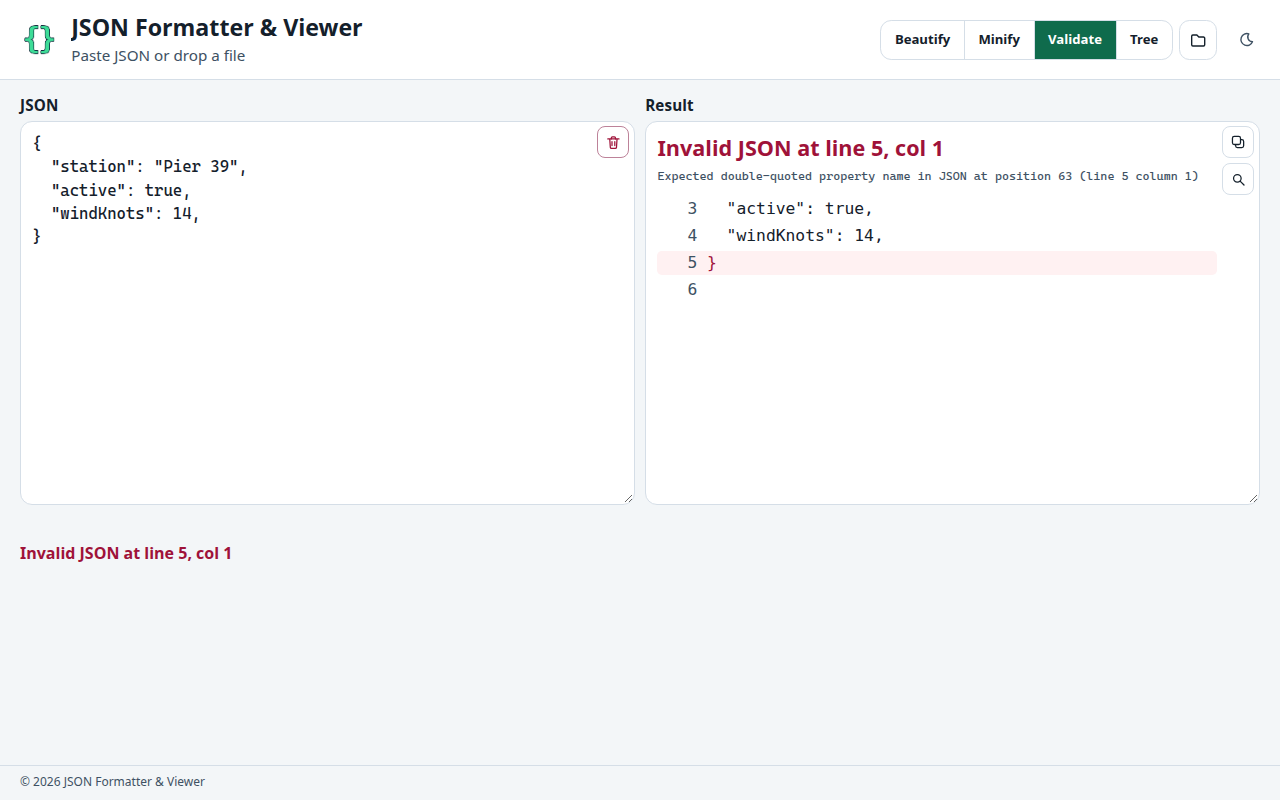
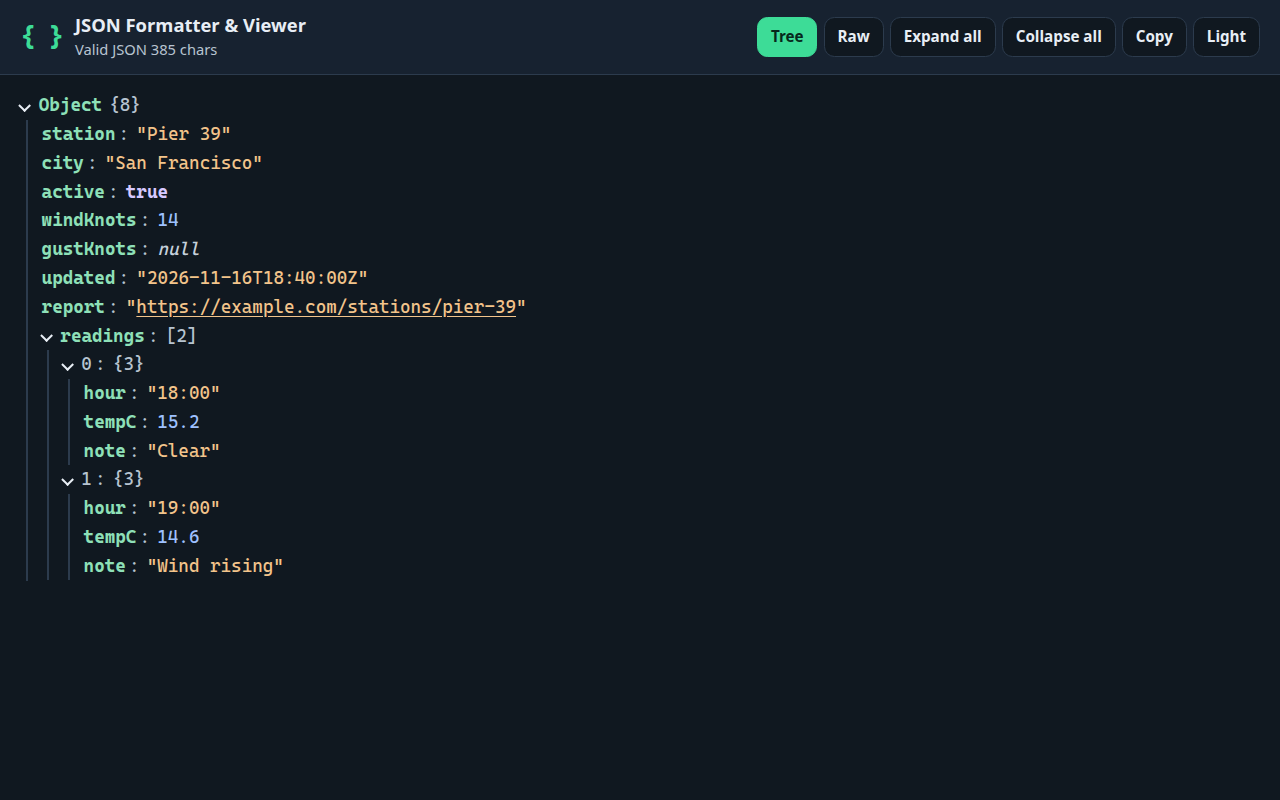
Paste one value into the box or drop a .json file. Comments, single quotes, and trailing commas are invalid, and the status line says so.
Beautify, Minify, Validate, or Tree view. The last action you choose on this page is stored in the browser and applied to the next paste.
Copy puts the beautified form on the clipboard from the tree and from a valid check. Use the extension when the JSON is already a raw document in a tab.
| Job | Page |
|---|---|
| Format a payload you pasted | JSON Formatter |
| Read structure, counts, and links | JSON Viewer |
| Clean indentation before a review | JSON Beautifier |
| Check syntax without rewriting | JSON Validator |
| Fit JSON on one line | JSON Minifier |
| Fold and search a large document | JSON Tree Viewer |
| Prepare a readable reprint | JSON Pretty Print |
The page and the extension share one rule: a single JSON value is parsed in memory and drawn here. There is no account, no upload, and no remote script in the tool. The privacy policy states the same limit for the extension.
No. Beautify, minify, validate, tree, search, and copy run in the browser tab. The text is not sent to a server by this site. Dropping a file reads it with the File API on the device.
One JSON value, the same rule a response body uses. A trailing comma, a comment, a single quote, or a second value after the first one is invalid. Empty input is reported as empty, not as a syntax error.
On this home page the last action you chose is stored locally and applied again. The first visit starts on Beautify. Keyword pages open on the action named in the heading, so a validator page does not silently minify.
The page is the paste box. The extension also recognizes a tab whose document is raw JSON and replaces that document with the same tree. It does not change an ordinary article that merely mentions JSON. Install it from the Add to Chrome button, then pin it from the welcome page.
Yes. Search matches keys, array indexes, and leaf values, then hides branches that do not contain a hit. Very long arrays still load in groups of 80 until you ask for more. A document over 1.5 million characters waits for an explicit Render tree click.